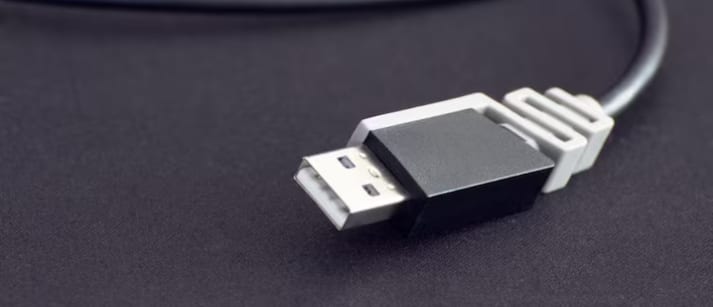
CNN Central News & Network-ITDC India Epress/ITDC News Bhopal: Many times, when a TV or computer monitor develops a screen-related problem, people assume the device itself is faulty. However, the cause of the problem may also be the HDMI cable. This cable carries picture and sound from computers, gaming devices, set-top boxes and other equipment to a TV or monitor. If it is faulty, several types of problems may appear on the screen.
Picture disappearing repeatedly: If the screen goes black for a few seconds and then returns to normal, there may be a problem with the HDMI connection or cable.
Flickering on the screen: Constant flashing, intermittent picture display or picture breakup may also indicate a faulty cable.
Lines or small dots in the picture: If unwanted lines, bright dots or distortion appear on the screen, the cable should be checked.
Sound disappearing: If the picture is visible but there is no sound from the TV or monitor, there may be a problem with the HDMI cable or its contact points.
No signal at all: If “No Signal” appears on the TV or monitor, first unplug the cable and reconnect it. If possible, check with another HDMI cable. Before replacing the cable, it is also important to check both ends of the cable and the HDMI ports of the related devices. In many cases, a loose connection can also cause such a problem.
Hashtags: #ScienceTechnology #Bhopal #Desksource #HDMI #TVDiagnostics #DeskSource #HDMICable #TVScreen #MonitorProblem #NoSignal