ITDC illustration
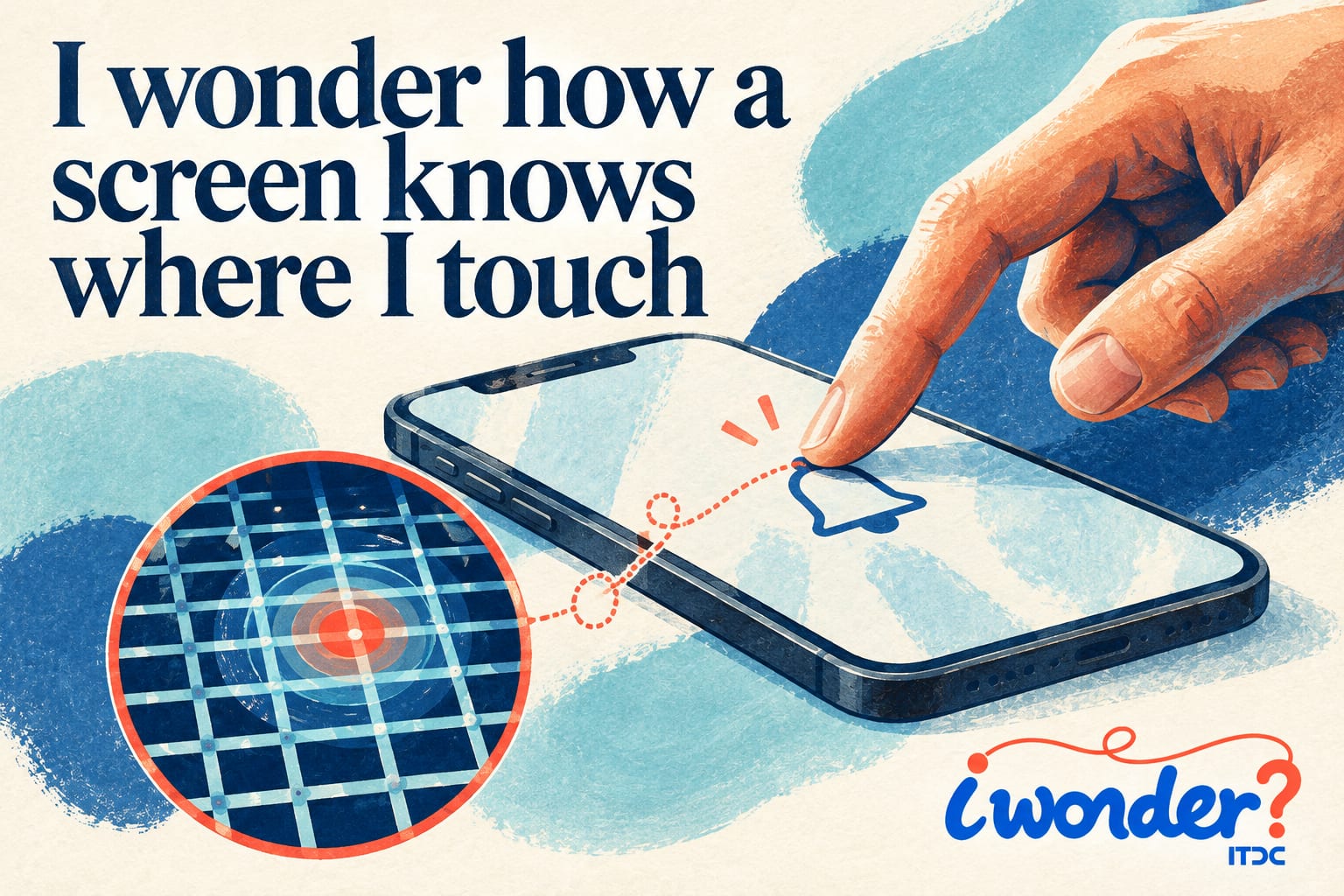
A finger lands on a picture of a bell, and the phone sets an alarm. There is no moving button beneath the glass. How does the device know which part of its smooth surface you touched?
Many phone screens use capacitive sensing. Beneath the touch surface is a pattern of conductive electrodes. Electronics measure their behaviour, including capacitance, which describes how a system stores electric charge for a given voltage.
Your body conducts electricity. When a finger touches the glass, it changes the electrical conditions near those electrodes. The sensing system detects a change in capacitance and uses measurements across the grid to estimate where the finger is.
The glass does not have to be pushed down to make two contacts meet. This helps explain why a light tap can work. Ordinary insulating gloves may make detection harder, although some screens are designed to work with gloves and some gloves have conductive fingertips.
Finding a position is only a step. The touch controller passes information to software, which decides what the touch means. A tap on one part of the display may open a photograph; the same location in another application may do something different.
Measurements reveal movement. Software can recognise a swipe, while systems that track several contact points can interpret gestures such as pinching to shrink an image. The screen supplies positions; the application gives those movements meaning.
Not every touchscreen works this way. Resistive screens use pressure to bring conducting layers into contact. Other designs can use light or sound to detect a touch. The word touchscreen describes the interface, rather than one universal technology.
What feels like a direct conversation with a picture is a rapid chain of measurement and interpretation. Your fingertip changes an electrical signal, and the device turns that change into an action.