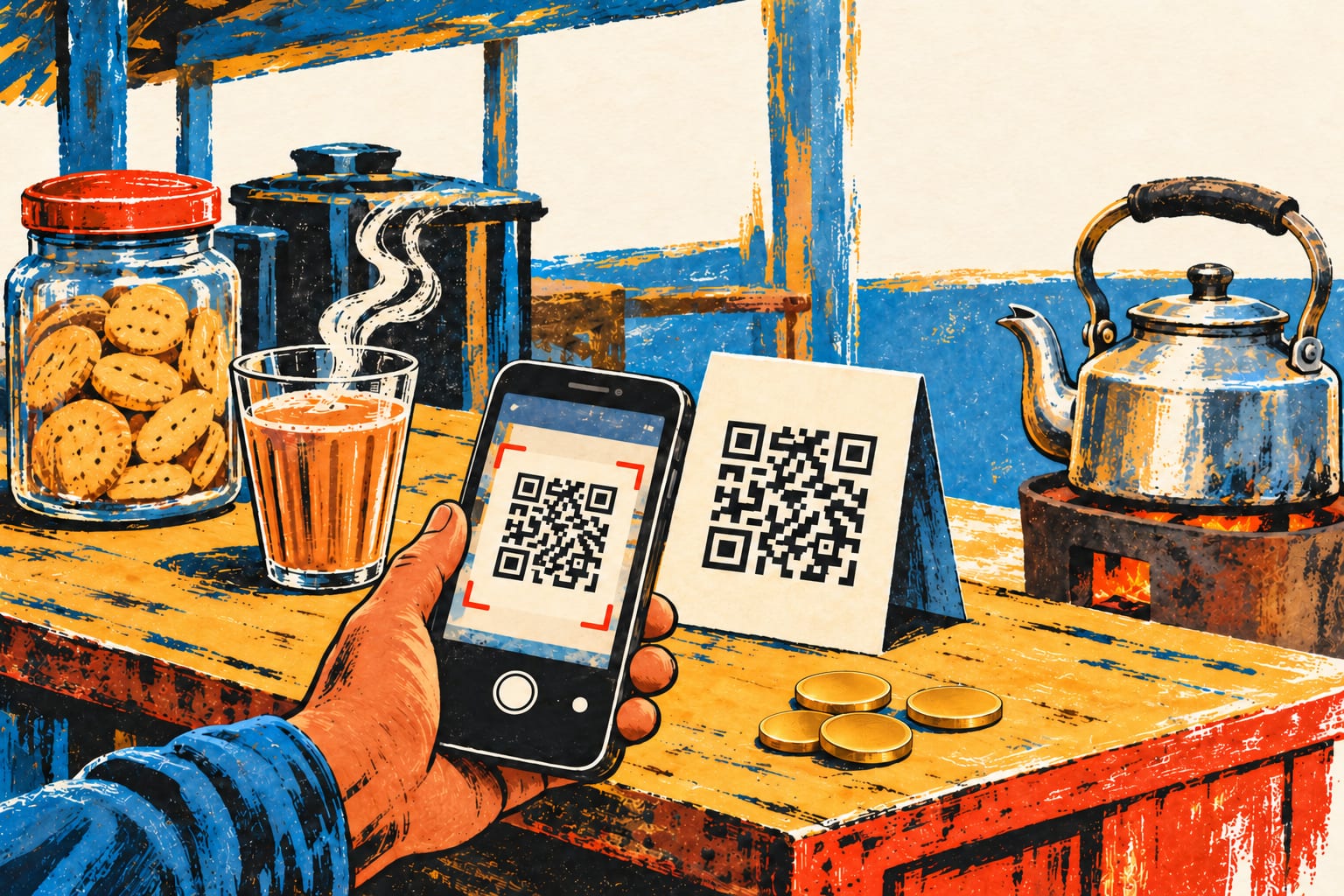
Illustration / चित्रांकन
At a tea stall, a restaurant table or a railway counter, a square of black and white can send a phone straight to information. To our eyes, a QR code resembles a maze. To a scanner, it is organised writing.
The squares are called modules. Their dark and light patterns represent data according to agreed rules. Before making the image, software converts the information into a coded sequence and arranges it across a grid. The result may contain text, a web address or details that an application knows how to use.
Three squares sit near the corners. These are position detection patterns. They help the scanner locate the code and work out its orientation, which is why you need not hold every printed code perfectly upright. Other patterns help the software interpret the grid correctly.
A camera captures the image, but the camera alone does not understand it. Software identifies the modules, reads the encoded sequence and reconstructs the information. If that information is a web address, opening the destination is a further step. The printed square itself does not contain the whole website.
QR codes also carry extra information for error correction. This backup can help recover data when part of a symbol is dirty or damaged. It has limits: covering important locating patterns or damaging too much can prevent a scan. More protection also takes space that could otherwise hold information.
Codes come in different grid sizes. More data, or stronger error correction, may require more modules. A crowded code can therefore look much busier than one containing a short message, even when both are printed at the same physical size.
The cleverness lies in combining a message with instructions for finding and checking it. That random square is a compact conversation between a printer and your phone.